By Sree, founder of My Workbelt. 20 years running a service business.
Quick Links
- What appliance repair software has to handle
- Where appliance repair shops lose margin without noticing
- Picture This Scenario
- Why Budget vs Actual matters for this trade
- QuickBooks, without the bookkeeping headaches
- How to compare appliance repair software
- What setup and risk look like
- Appliance repair software FAQ
- See which of your jobs made money
A full schedule doesn’t mean you made money. Most appliance repair software will tell you how many calls your techs ran last month. It won’t tell you which of those calls lost you money after parts, a second trip, and an hour of drive time.
That’s the gap this post is about. If you’re comparing appliance repair software, the scheduling and invoicing features will look nearly identical from one vendor to the next. The question that separates them is simpler: can it show you which jobs were worth doing?
What appliance repair software has to handle
You need the basics, and they aren’t optional. Customers call, you book a tech, the tech needs the right part on the truck, the job gets done, and someone sends the invoice.
So any software you consider should cover scheduling, work orders, customer service history, parts and inventory, vendor purchase orders, and invoicing with payments. My Workbelt covers all of that. So do Jobber and Housecall Pro, and they’re good at getting a small shop organized.
Here’s the part those tools skip. They record that the work happened. They don’t compare what you expected a job to cost with what it actually cost.
Where appliance repair shops lose margin without noticing
Appliance repair has a few leaks that show up again and again. None of them are dramatic, which is why they last for years. 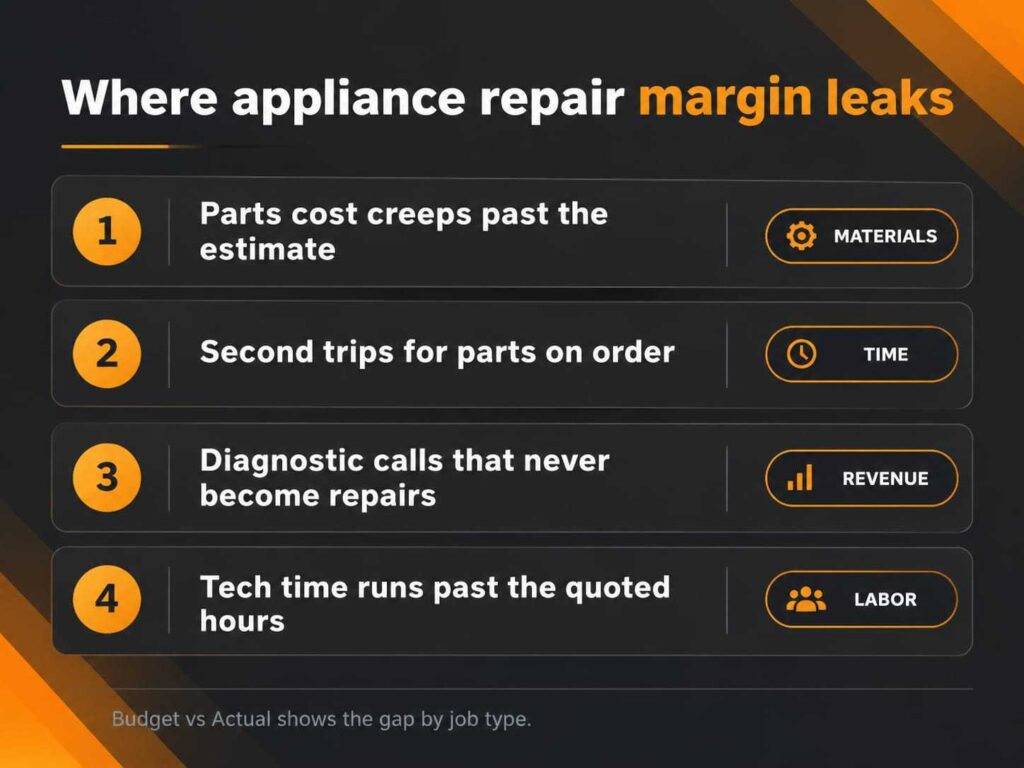
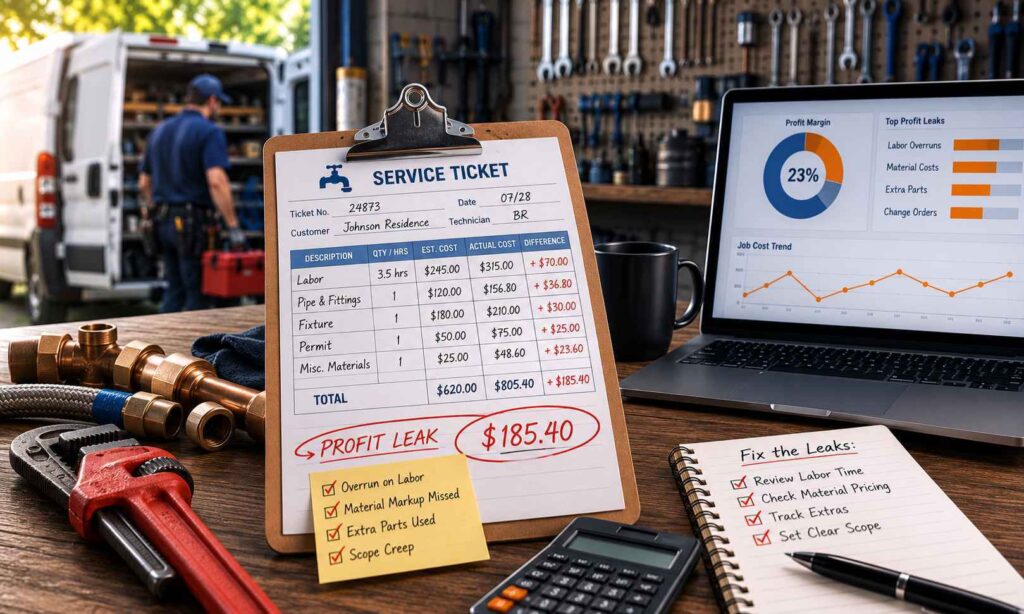
Parts cost creeps past the estimate. The supplier raised a price in the spring. Nobody updated the quote. Every repair since then has carried a little less margin than you think.
Second trips for parts on order. The tech diagnoses a bad control board on Tuesday. The part arrives Friday. That’s a second drive, a second slot on the schedule, and a second chunk of paid labor on one invoice.
Diagnostic calls that never become repairs. A tech spends an hour on a fifteen-year-old washer. The customer decides to replace it. You collected the diagnostic fee and lost the rest of the hour.
Tech time that runs past the quote. One tech takes twenty minutes longer on the same job type, every time. It’s rarely a performance problem. Often it’s a routing problem, and you can’t see it from a revenue report.
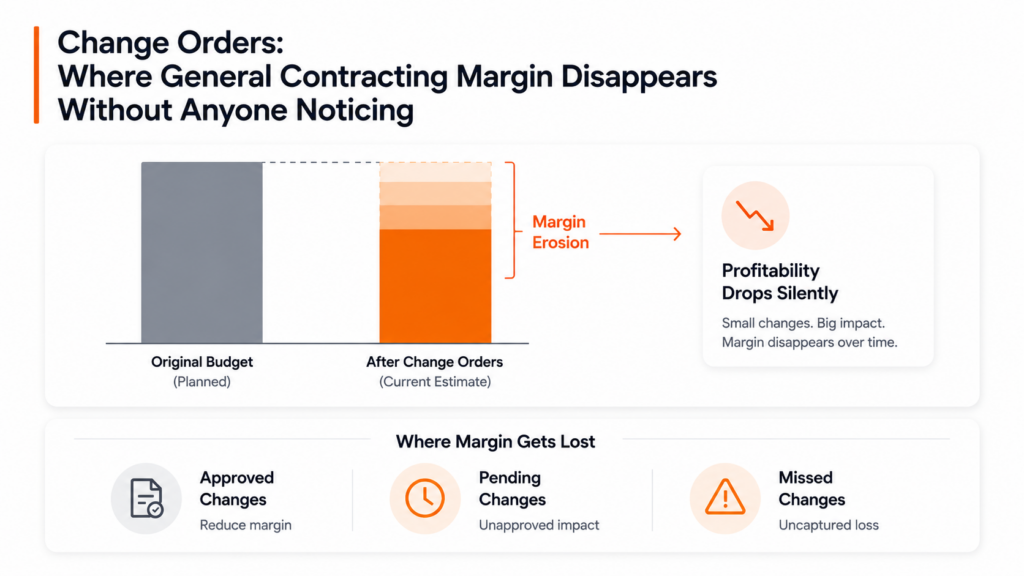
Your bank account feels all four of these. Your software doesn’t show any of them.
Picture This Scenario
A typical scenario My Workbelt clients uncover. This is an illustrative example, not a specific client’s results.
You run an appliance repair shop with a handful of techs. Refrigerator and dishwasher calls are your bread and butter, and you’ve quoted them the same way for years. Revenue looks healthy. Cash at the end of the month doesn’t match.
You pull a report from your current software. It says you completed a few hundred jobs and invoiced a solid number. It can’t say whether dishwasher repairs earn more than refrigerator repairs. It can’t say how many of those jobs needed a second trip.
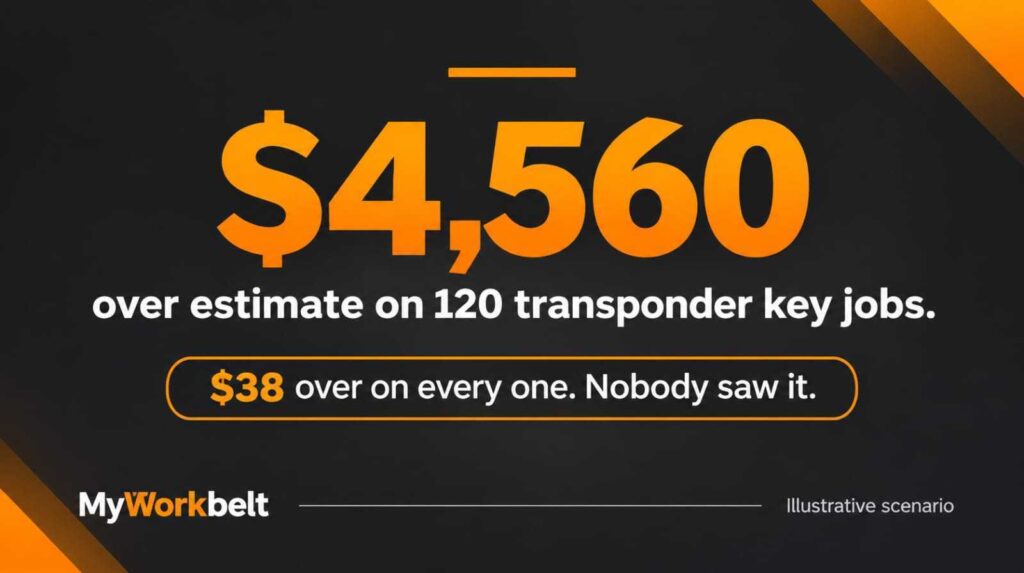
Then you look at the same jobs by type, estimated cost against actual cost. Dishwasher repairs keep coming in over on parts. Refrigerator calls that need a second visit are quietly the weakest line in the shop. You had the numbers all along. Nothing put them side by side.
Why Budget vs Actual matters for this trade
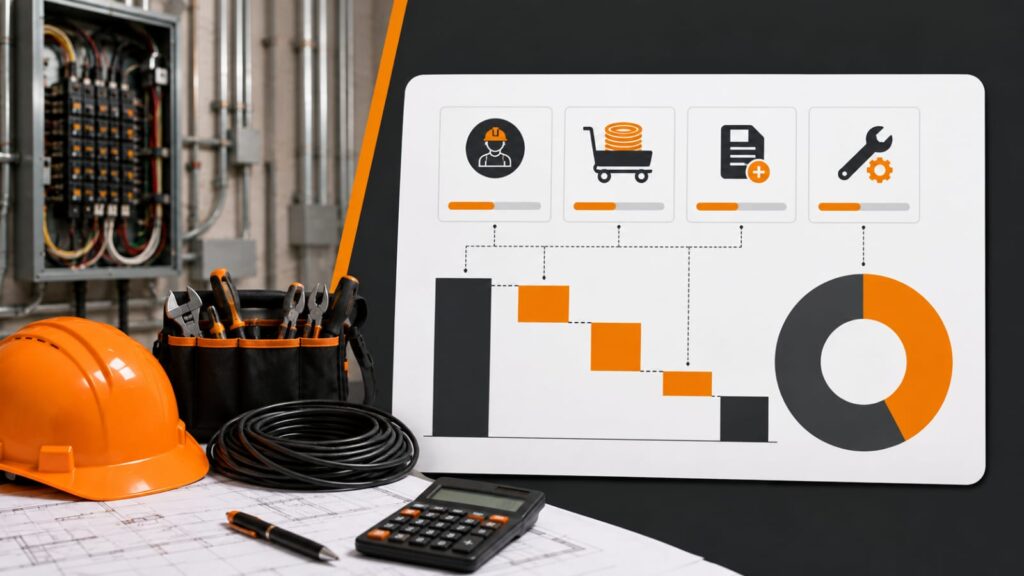
Before a job starts, My Workbelt captures what you expect it to cost: materials, labor and overhead. After the job is closed out, it captures what it cost. Then it shows you the gap, by job type.
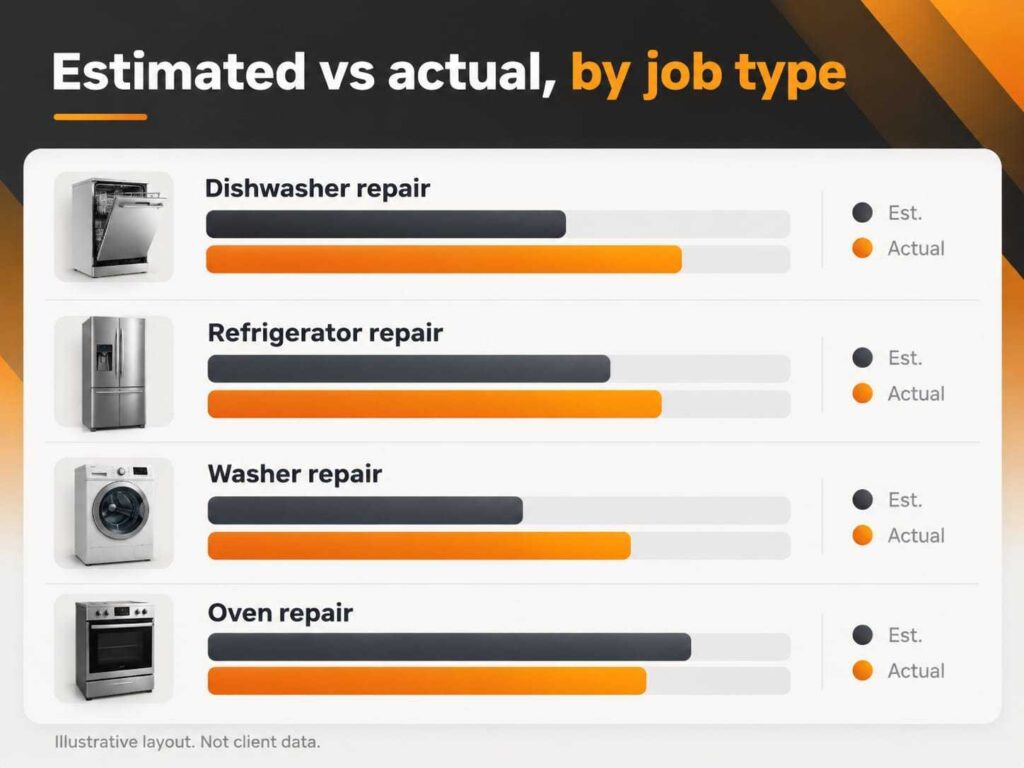
You don’t have to build a spreadsheet to see it. And you don’t have to interpret it alone. Once a month, your named Client Success Manager sits down with you for the Growth Review. They bring your Budget vs Actual data, and you leave with a short list of decisions: reprice this job type, change how you order that part, stop sending a tech out before the part arrives.
The software tracks the job. The review tells you whether the job was worth it. A real person helps you decide what to do about it.
QuickBooks, without the bookkeeping headaches
If your bookkeeper lives in QuickBooks, ask the vendor one question before anything else: who checked the integration? My Workbelt’s QuickBooks integration was reviewed and validated by a QuickBooks ProAdvisor, and we don’t ship your sync until your bookkeeper validates it. Every sync action is logged, so your bookkeeper can audit the history.
How to compare appliance repair software
Skip the feature checklist. Ask these instead:
- Can it show me job-level profit by job type, not just revenue?
- Who sets it up, and do I get a person or a video library?
- What will month two cost compared to what I saw in the demo?
- Does anyone review my numbers with me after I go live?
- What happens if it doesn’t work for my shop?
Read the G2 field service management category and you’ll see how crowded the space is. Reviews can tell you which tools are easy to learn. They rarely tell you which ones show profit.
You can also ask other owners what they use and what they wish it did. The threads on r/smallbusiness are blunt about this.
What setup and risk look like
Your Client Success Manager configures the platform around how your shop actually runs, before you go live. Training is included for you and your techs, for as long as it takes. Setup is a one-time $500. Subscription tiers are on the pricing page, and every line item is listed before you book a demo.
The guarantee is two sentences: If you don’t find at least one hidden profit opportunity in your first 60 days, we refund every dollar you’ve paid us. No questions, no fine print, no clawback on the setup fee.
Appliance repair software FAQ
What is the best appliance repair software for a small shop?
The best fit is software that covers scheduling, parts and invoicing, and also shows which jobs made money. My Workbelt pairs those tools with Budget vs Actual and a monthly Growth Review.
Can appliance repair software track parts and inventory?
Yes. My Workbelt includes inventory management and vendor management, so you can see what’s on hand, what to reorder, and what you ordered from which supplier.
How do I know if my repair jobs are profitable?
Compare what you estimated each job would cost with what it actually cost, by job type. Budget vs Actual does that comparison for you.
Does it work with QuickBooks?
Yes, both Online and Desktop. The integration was validated by a QuickBooks ProAdvisor.
Is My Workbelt too big for a shop with a few techs?
No. The pricing tiers scale down to small operations, and the 60-day guarantee covers the risk of trying it.
See which of your jobs made money
Book a demo and we’ll walk through Budget vs Actual on an appliance repair job type, not a generic dataset.